
Catalog
Bar and Stretched Display Modules
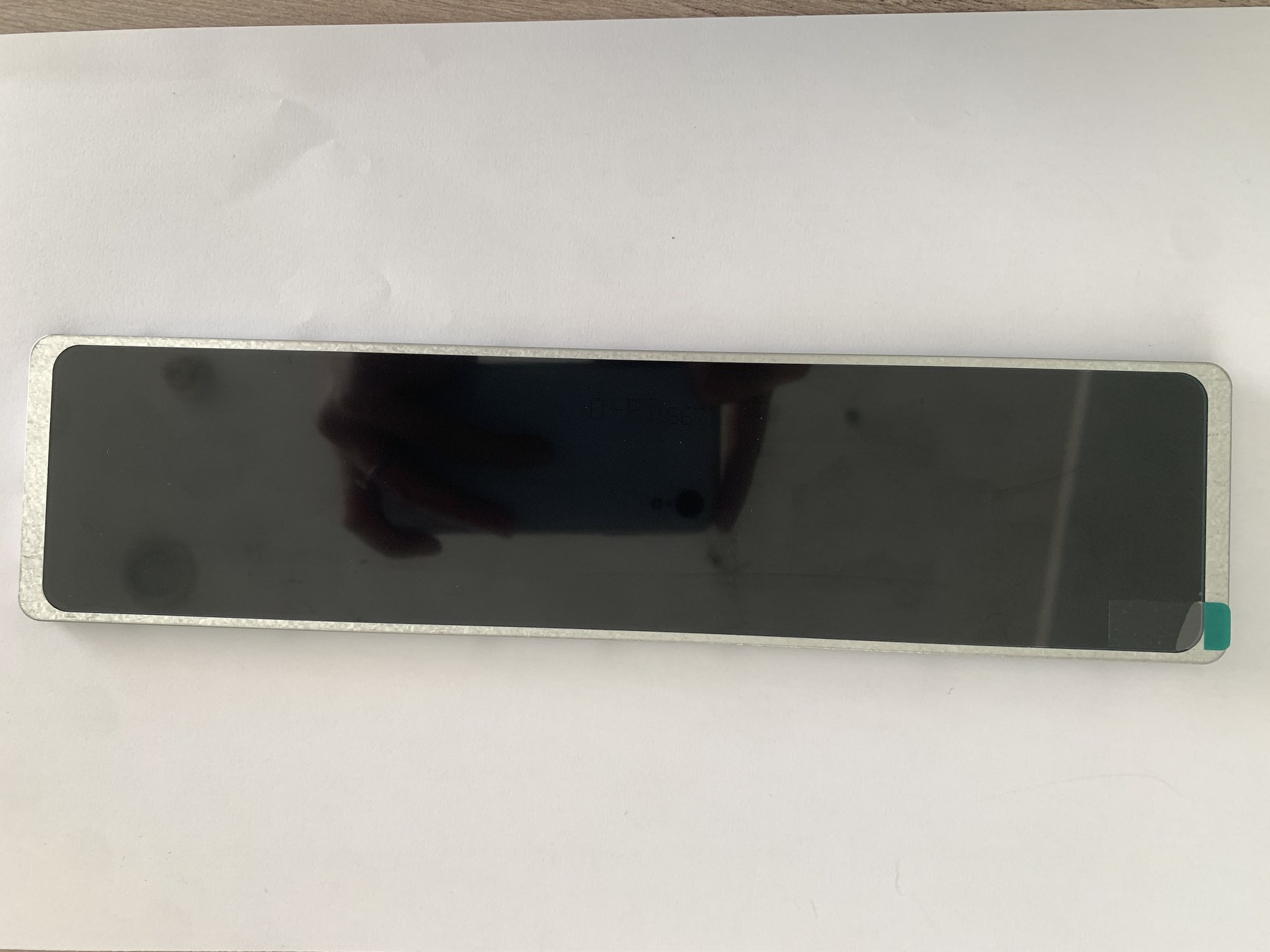
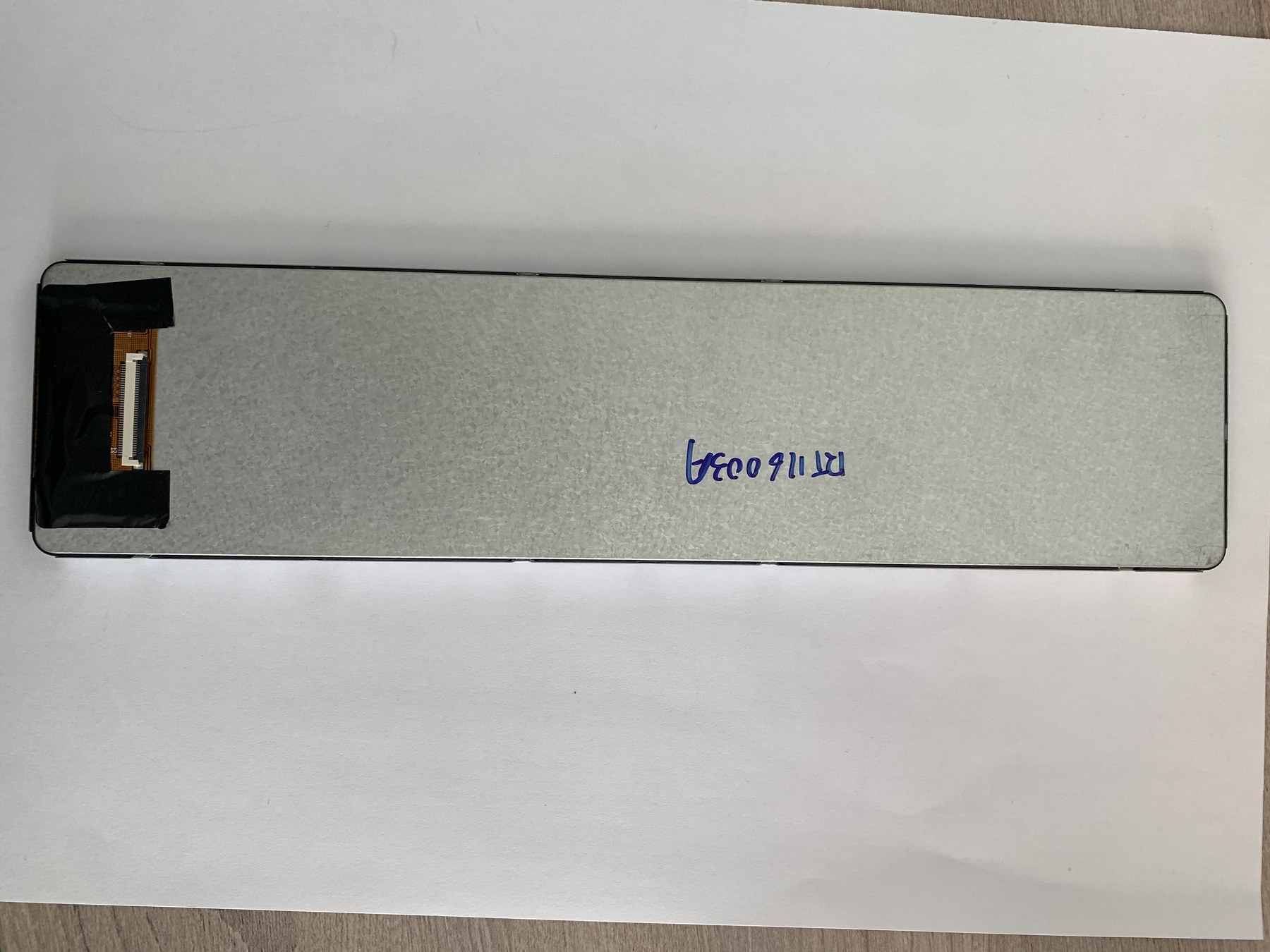
Bar and stretched formats serve layouts where a long, narrow information area fits the product better than a conventional screen. Compare these catalog models for instrument strips, dashboard layouts, and status panels.
- Listed models
- 12
- Listed screen sizes
- 2.4–11.6″
What to check before choosing a module
Begin with the required active width and height, not the diagonal alone. Check the drawing and image orientation before designing a long housing opening or committing to a text layout.
- Confirm active area, full outline, and FPC position against the enclosure drawing.
- Check whether the host can drive the listed pixel matrix and required display orientation.
- Review support points and assembly tolerances along the full length of the module.
Compare display modules
The list shows published catalog values. Confirm the current datasheet, availability, and integration requirements for the selected model before ordering samples.
Image unavailable
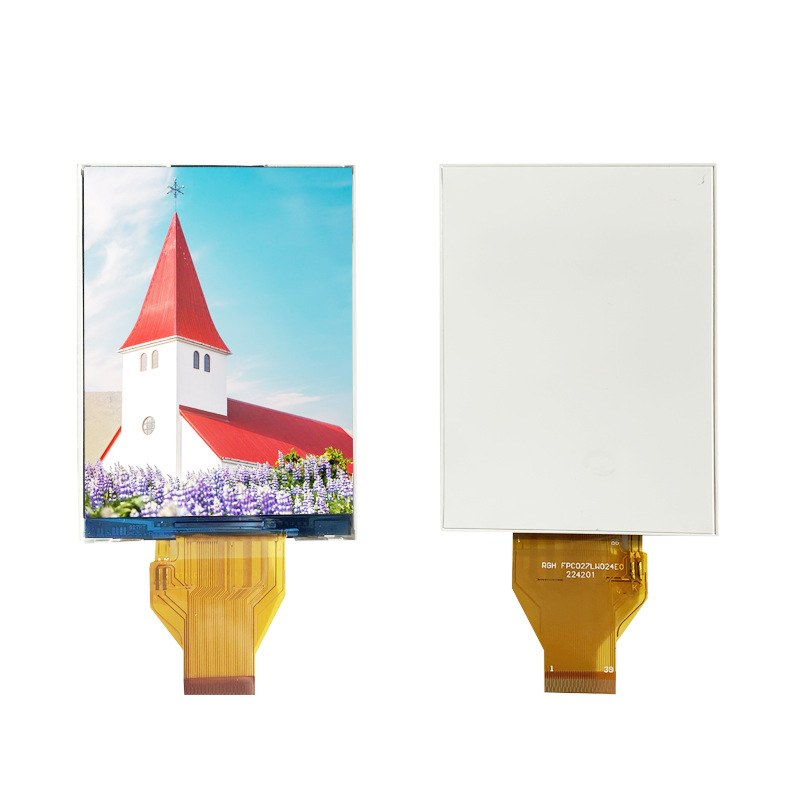
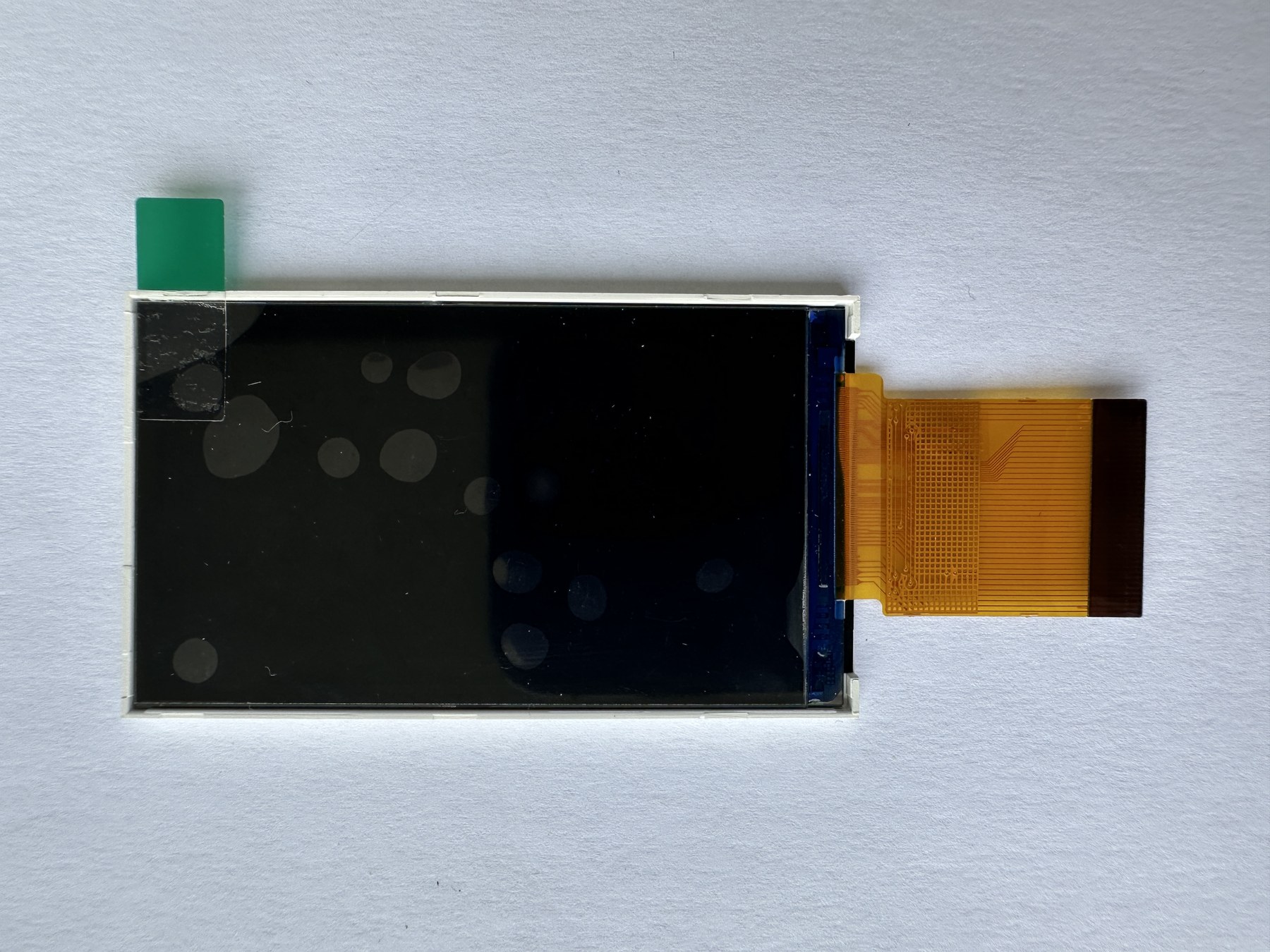
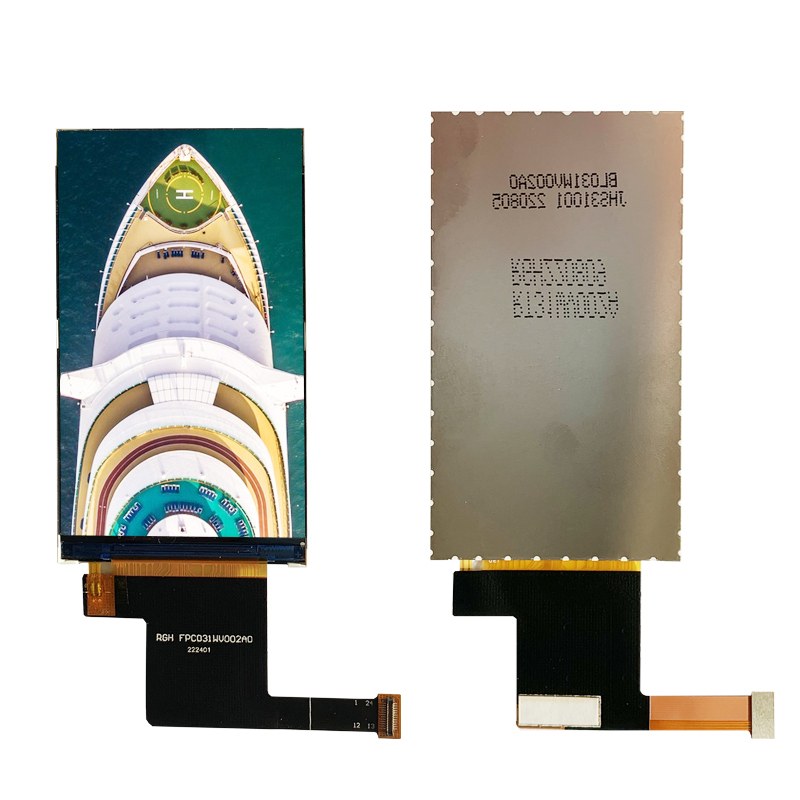

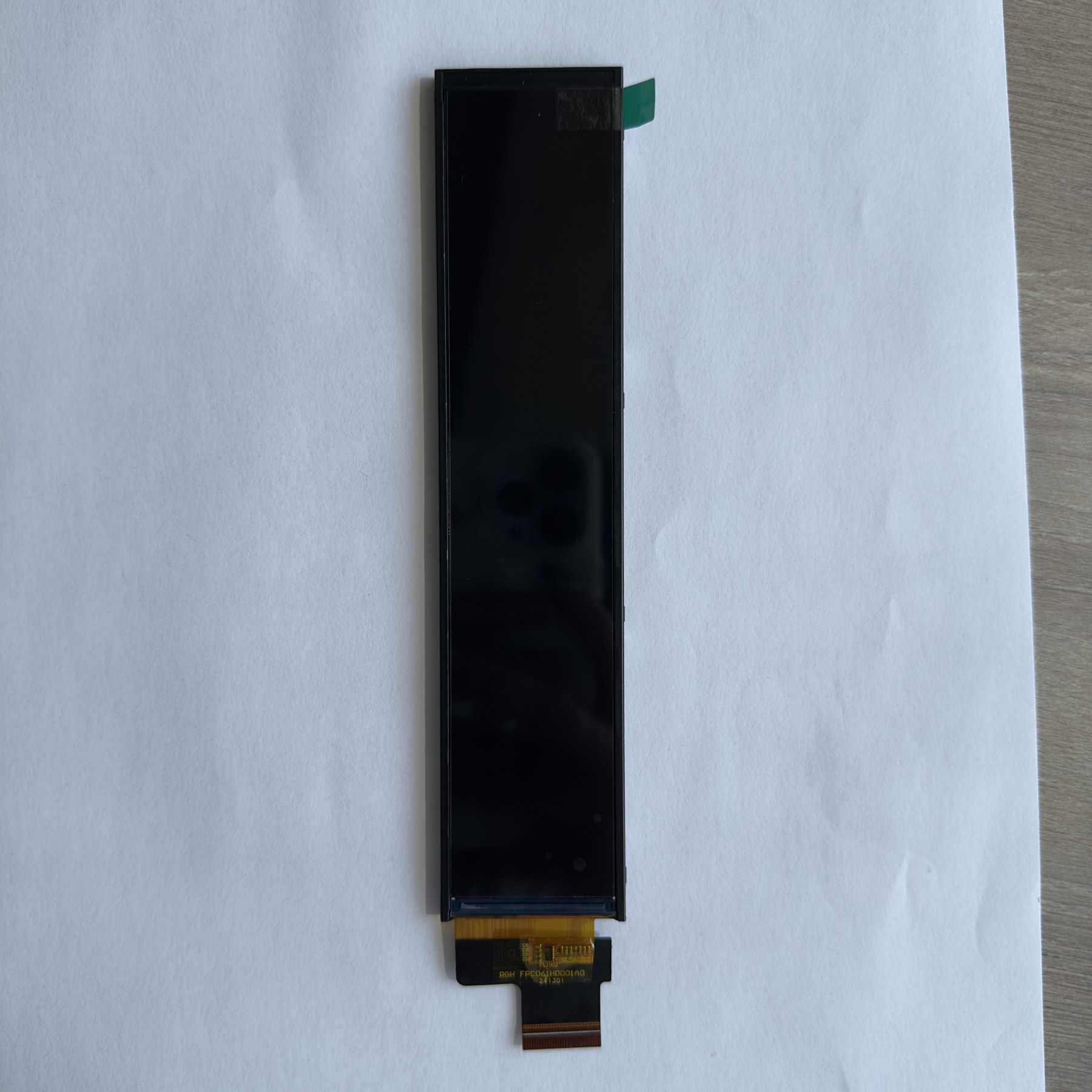
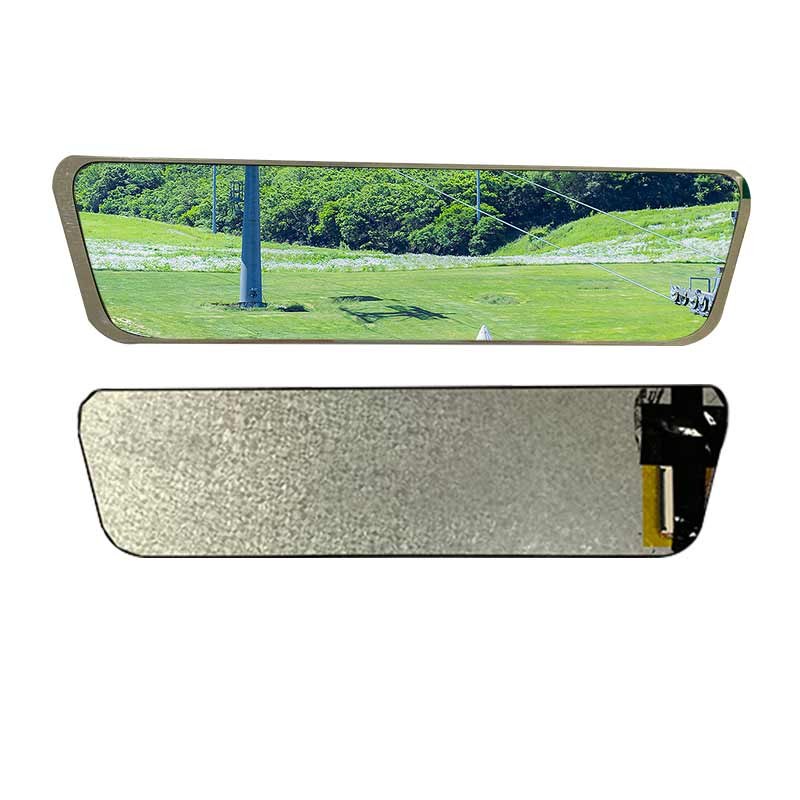
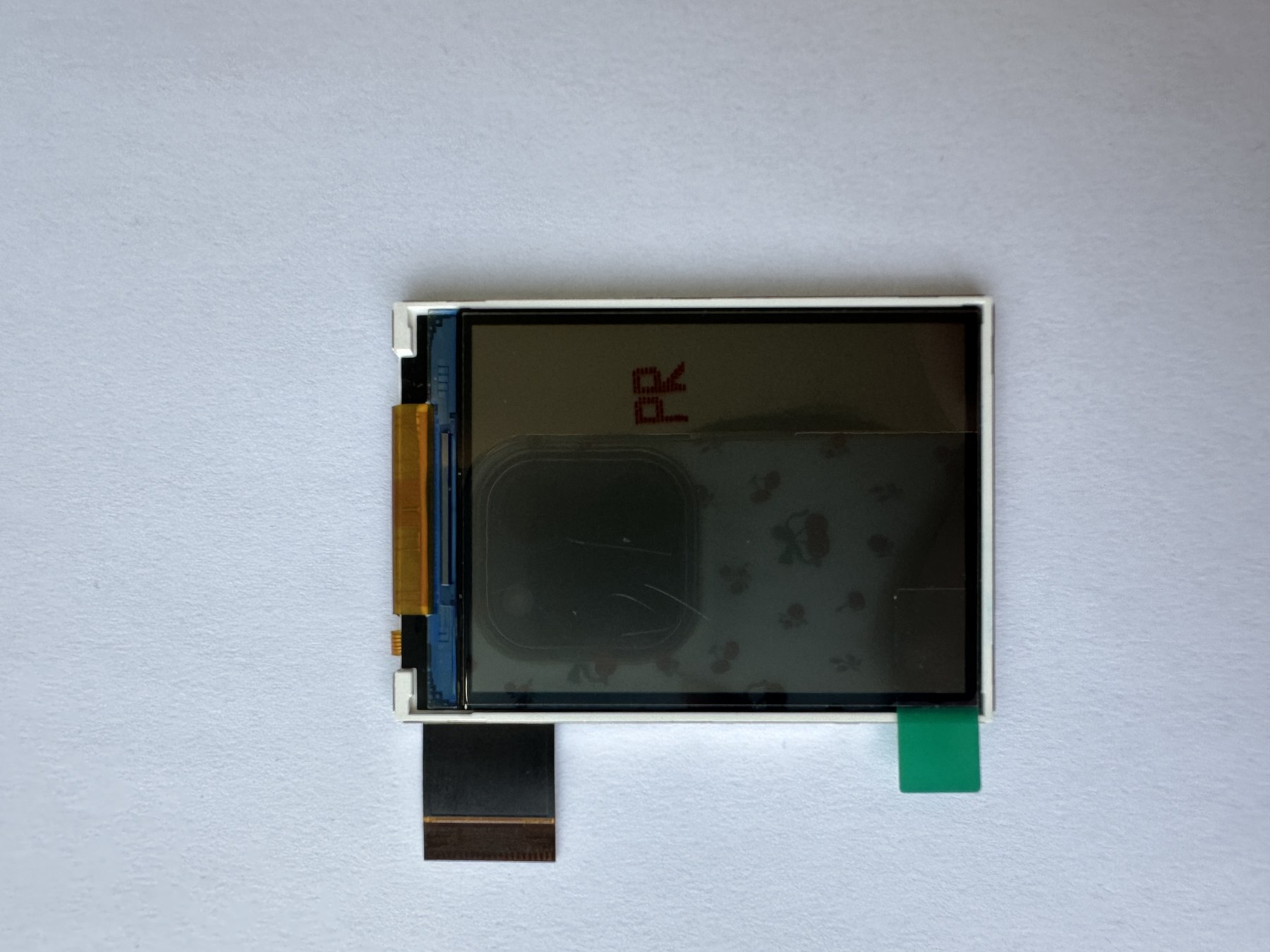
Image unavailable
Engineering guides for this selection
How to mount display modules without pressure marks
Practical mounting methods for LCD and touch display modules, with focus on pressure control, light leakage, FPC stress, and service access.
Custom display FPC: what to change and what to leave alone
What can be changed on a display FPC, what usually should not be changed, and what to confirm before PCB layout.
LCD interfaces: SPI, RGB, LVDS, and MIPI without confusion
A practical guide to SPI, MCU, RGB, LVDS, and MIPI display interfaces for choosing the right LCD module.
Build a shortlist for your project
Send the model numbers, quantity, application, enclosure limits, interface, and schedule. RGH can confirm the relevant datasheets and discuss customization.